
Local SEO · Google Business Profile · Google Gemini · Tradies
Gemini for Google Business Profile: What It Actually Does for NZ Tradies
Executive Summary
Key takeaways, what you'll get from this guide
- What Google's new Gemini integration for Business Profile launched with on 10 June 2026, and that it costs nothing to use
- What it can genuinely do once you connect a verified listing: draft and publish Posts, draft review replies for you to approve, edit hours, services and links, and answer plain-English questions about your performance data
- The catch that decides whether it's worth your time: one profile per connection, with nothing shared between locations
- Who gets same-day value from it (a solo tradie with one listing) versus who should file it under watch, don't rely on (anyone running more than one location)
- Where Made 4 Tradies' managed service already covers what Gemini leaves for you to do yourself
Google quietly added an AI assistant to Business Profile in June 2026, and most Kiwi tradies haven't heard about it yet.
It's a genuinely useful free tool, not another AI feature nobody asked for. Gemini for Google Business Profile is a free assistant inside the Gemini web app that connects to your verified listing and can draft posts, draft review replies, edit your hours and services, and answer questions about how your listing is performing 1.
What it says about your business comes straight off your listing, which is one more reason to get that listing right. Our Google Business Profile optimisation service covers the lot.
Whether it's worth ten minutes of your time each week comes down to one thing: how many locations you run. Below is what it actually does, three prompts to try today, and the limit that decides who it's genuinely built for.
A few things worth knowing before you connect anything:
Google switched this on for every Business Profile owner, free, on 10 June 2026 1.
Once a listing is connected, Gemini gets what Google calls a business notebook, persistent, grounded context about that one business, and only that business 1.
The performance data Gemini can now explain in plain English already lives in your listing today: impressions, direction requests, calls, and the exact search terms people used to find you 2.
What Gemini for Business Profile Actually Is
It lives inside the Gemini web app, not inside Business Profile itself. You still manage the actual listing at the Business Profile manager 3. Once you connect a verified profile there, Gemini remembers it between chats instead of treating every question like a stranger walked in. That's the business notebook part: one notebook, one business, built from your real listing data, not a generic chatbot guessing at your trade.
In plain terms, once it's connected you can ask it to:
- Draft and publish a Google Post
- Draft a reply to a review, for you to approve before it goes out
- Update your hours, add a new service, or fix a broken link
- Tell you how the listing is actually performing, in plain English
What You Can Actually Ask It (With Real Prompts)
"Write a post about our winter special on hot water cylinders." Gemini drafts a Google Post 4 you can review and publish, matching your trade and area, not a stock template.
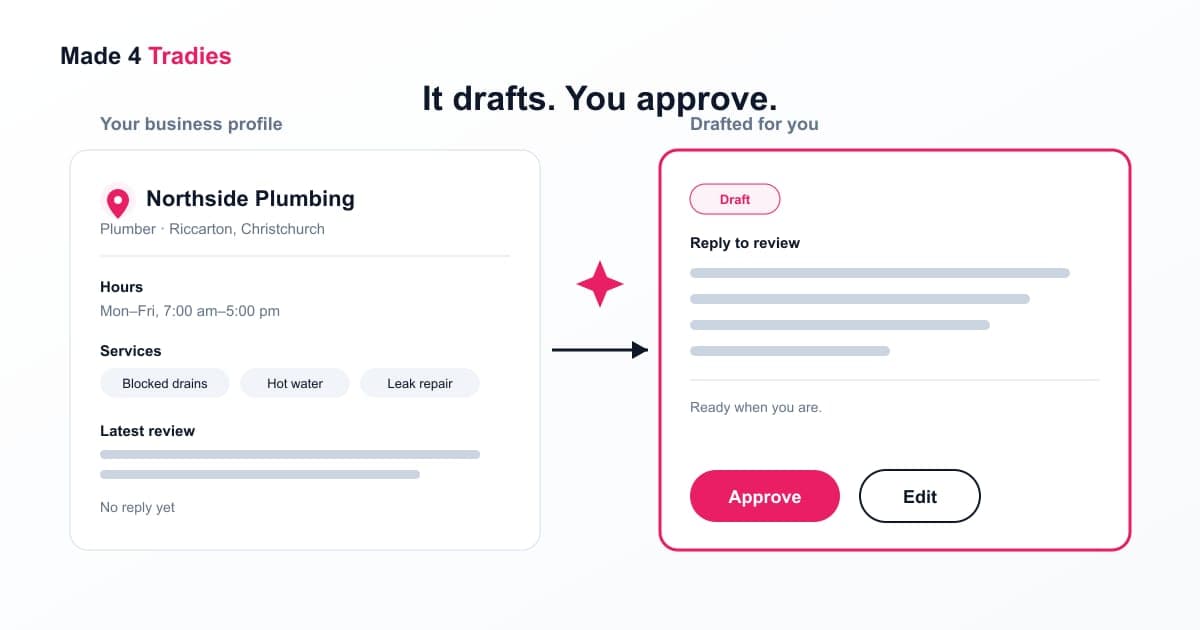
"Draft a reply to this one-star review." It writes something calm and specific for you to read, edit if needed, and send. It doesn't publish anything on its own, replying to reviews 5 still works the way it always has, you're just skipping the blank-page problem.
"Update our Christmas trading hours" or "add gutter cleaning as a service." Same edits you'd otherwise make yourself, clicking through the hours settings or the services list, just typed as a sentence instead.
"What search terms are people using to find us, and how many direction requests did we get last month?" Straight answers pulled from the performance data your listing already tracks, no digging through a dashboard required.
Try It Today (A Same-Day Walkthrough)
- Go to the Gemini web app and connect your verified Business Profile.
- Ask it to draft a Post about something genuinely happening this week, a job just finished, a seasonal service, a change to your holiday hours.
- Ask it to draft a reply to your most recent review, good or bad.
- Ask it one performance question: what people are searching to find you.
Before you hit publish on anything it drafts, check the suburb names are right, check it hasn't invented a service you don't offer, and read the review reply out loud before it goes out under your name. It's a drafting tool, not a decision-maker.
The Catch: One Profile, No Shared Data
Lead with this one, because it decides whether the rest of this post is useful to you. At launch, each location connects to Gemini separately, and nothing carries over between them 1. Ask it about last month's reviews for your Hamilton branch while it's connected to Tauranga, and it has no idea Hamilton exists.
If you run one listing, this doesn't touch you. Connect it, use it, done.
If you run three, five, or a growing service area, it's a real limitation. There's no dashboard view across locations, no bulk posting, no shared context. You'd be doing the same setup, and the same weekly prompting, once for every single location.
As of July 2026, that's Google's stated behaviour. Google ships features fast, and multi-location support wasn't ruled out, just not there yet. If you're reading this more than a few weeks after publish, check Google's current feature set before you write this off, or build a workflow around it, for a multi-location business.
What It Doesn't Do
- No bulk or multi-location management, as above
- No automatic review publishing. Every reply still needs a human to read it and hit send, every time, per location
- No read access to the Products section of your profile. If you list fixed-price packages or maintenance plans through Products, Gemini can't see or touch them, and that doesn't change how we treat Products in a listing audit
- It doesn't replace having a strategy. It's a faster way to execute one, not a substitute for knowing what you want your listing to say
Solo Tradie or Growing Business, Which One Are You
If you're a solo operator with one listing and you don't mind spending ten minutes a week prompting an AI, use it. It's free, it works, and there's no reason not to.
If you'd genuinely rather the posting and review replies just happened without you being the one typing the prompts, that's a different problem, and it's the one our managed service already solves. Grow ($118/mo) covers a Google Post a month plus review monitoring, and you send job photos to a WhatsApp group while we write and publish the posts. Scale ($295/mo) lifts that to four posts a month, a monthly activity and ranking report, and review requests sent by text with the replies written for you.
Want Someone to Review Your Google Listing?
Made 4 Tradies offers a free, no-obligation Google Business Profile audit for New Zealand trade businesses. It checks your listing against the same signals Google uses to rank and trust a profile: completeness, reviews, photos, and how you compare to the businesses beating you in the map pack.
- Free Google listing audit: Maps ranking, review profile, photos, competitive benchmarking. PDF in 24 hours.
- Free website audit: SEO, speed, local signals, schema, conversion blockers. PDF in 24 hours.
No call required. No pitch. Just a straight read on what's costing you work.
If prompting an AI weekly isn't how you want to spend your time:
- Grow ($118/mo): a Google Post a month and review monitoring, written and published for you
- Scale ($295/mo): four posts a month, a monthly ranking report, and review replies written for you
Re-check anything you read here about Gemini's limits before you plan around them. Google moves fast, and this feature was barely a month old when this was published. See live pricing →
Frequently Asked Questions
What is Gemini for Google Business Profile?
A free integration Google launched on 10 June 2026 that lets you connect a verified Business Profile inside the Gemini web app and ask it to draft and publish Google Posts, draft review replies for you to approve, edit hours, services and links, and answer questions about your performance data.
Is Gemini for Google Business Profile free?
Yes. There's no separate charge to connect a profile or use it.
Can Gemini post to my Google Business Profile automatically?
It drafts a Post and publishes it once you approve the content. You're still the one deciding what goes out.
Can Gemini reply to my Google reviews for me?
It can draft a reply, but publishing still needs your manual approval. It doesn't auto-reply.
Does Gemini work across multiple Google Business Profile locations at once?
Not as of July 2026. Each location connects separately, and Gemini doesn't carry data or context between them, which makes it solid for a single-listing tradie and limited for anyone running several. Google ships fast, so check its current feature set before assuming this hasn't changed by the time you're reading it.
What can't Gemini do on a Google Business Profile?
No bulk management across locations, no automatic review publishing, and no read access to the Products section of your profile.
Does this replace agency-managed Google Business Profile posting?
No. It's a self-serve tool for a solo tradie willing to prompt it regularly. Our Grow and Scale plans cover the Google Posts and the review-reply support for you, so nobody on your side has to remember to run it.
References:
- [1] 9to5Google, Gemini can now help you manage your Google Business Profile
- [2] Google Business Profile Help, Performance and insights
- [3] Google, Business Profile manager
- [4] Google Business Profile Help, Google Posts
- [5] Google Business Profile Help, Reviews and replies
Published by Made 4 Tradies. Kiwi-owned, run by a Hawke's Bay local, serving tradies nationwide.
Free Google Listing Audit
See exactly what's costing you visibility on Google.
A real human goes through your Google Business Profile against the checks in this guide. You get a PDF with specific issues, specific fixes, ranked by impact.
No call. No pitch. No obligation. Turnaround within 24 hours.
Get my free Google listing audit →Want your website checked too? Free website audit →